Temperature Clock Support for Alarm About
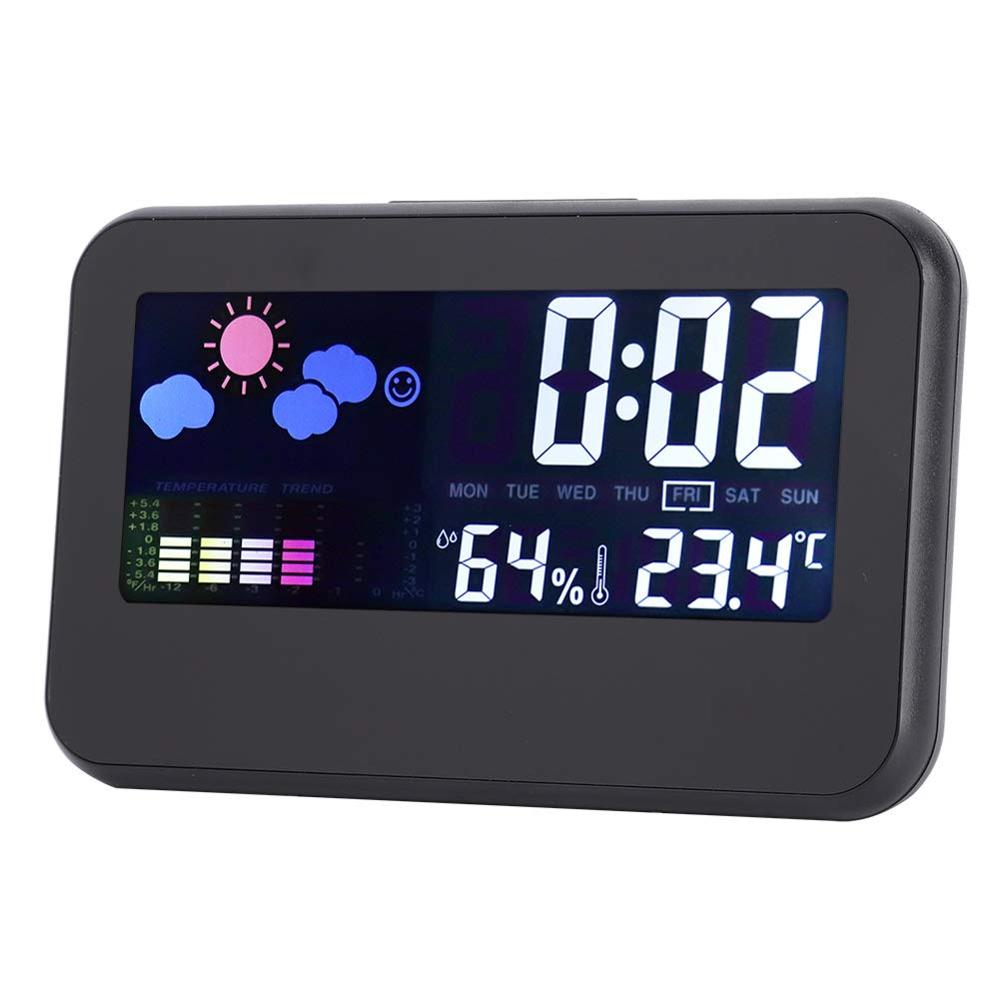
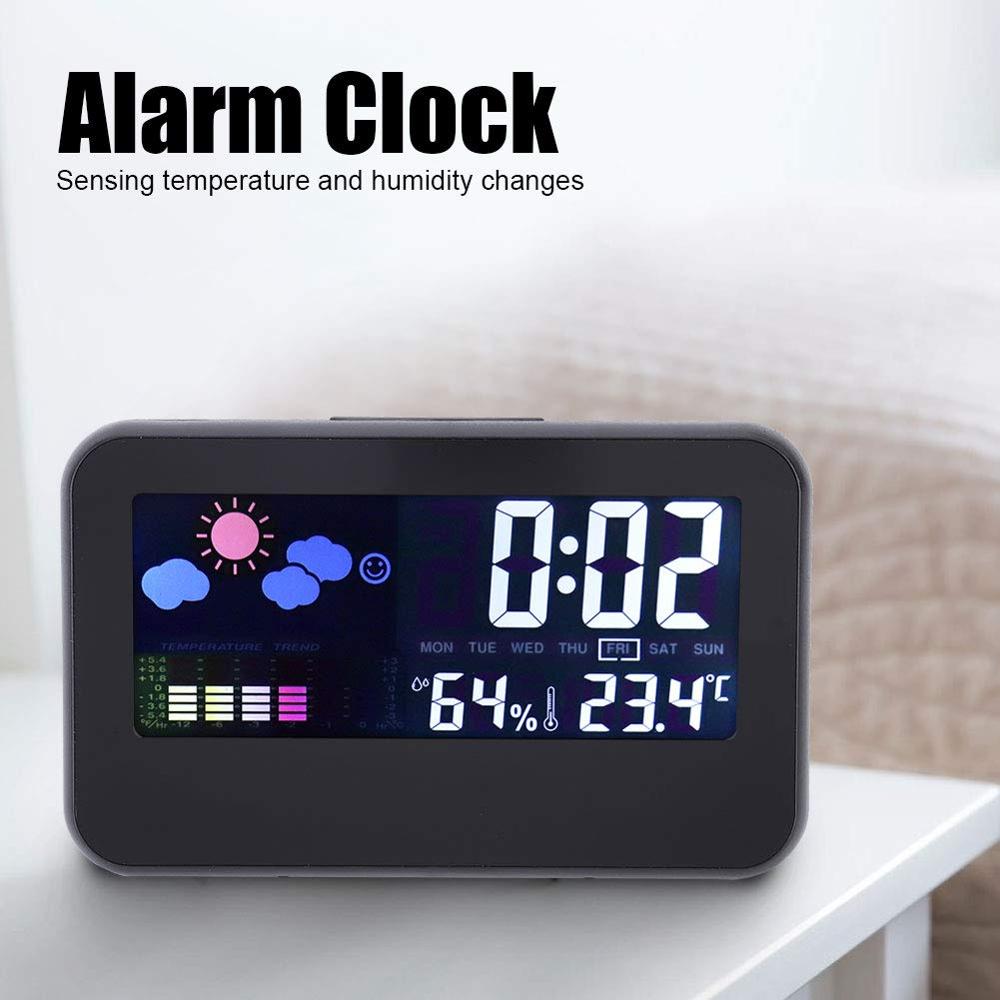
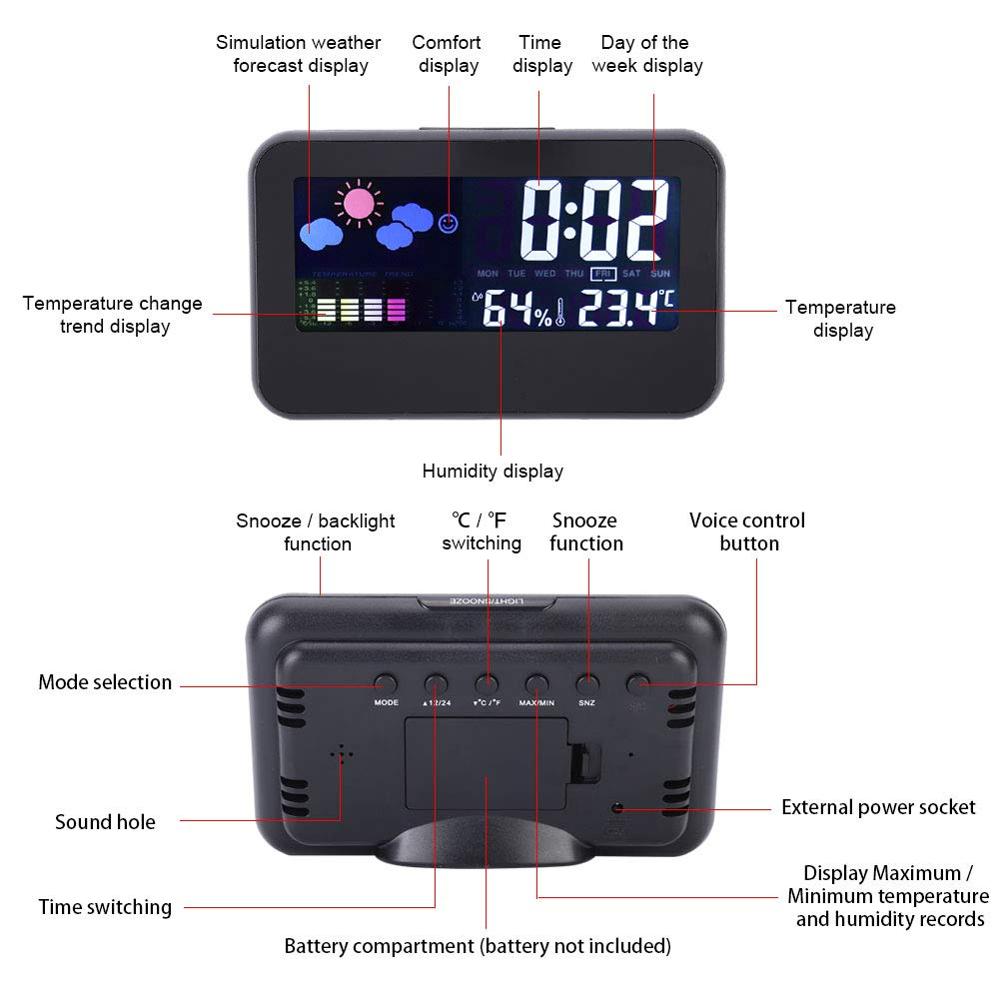
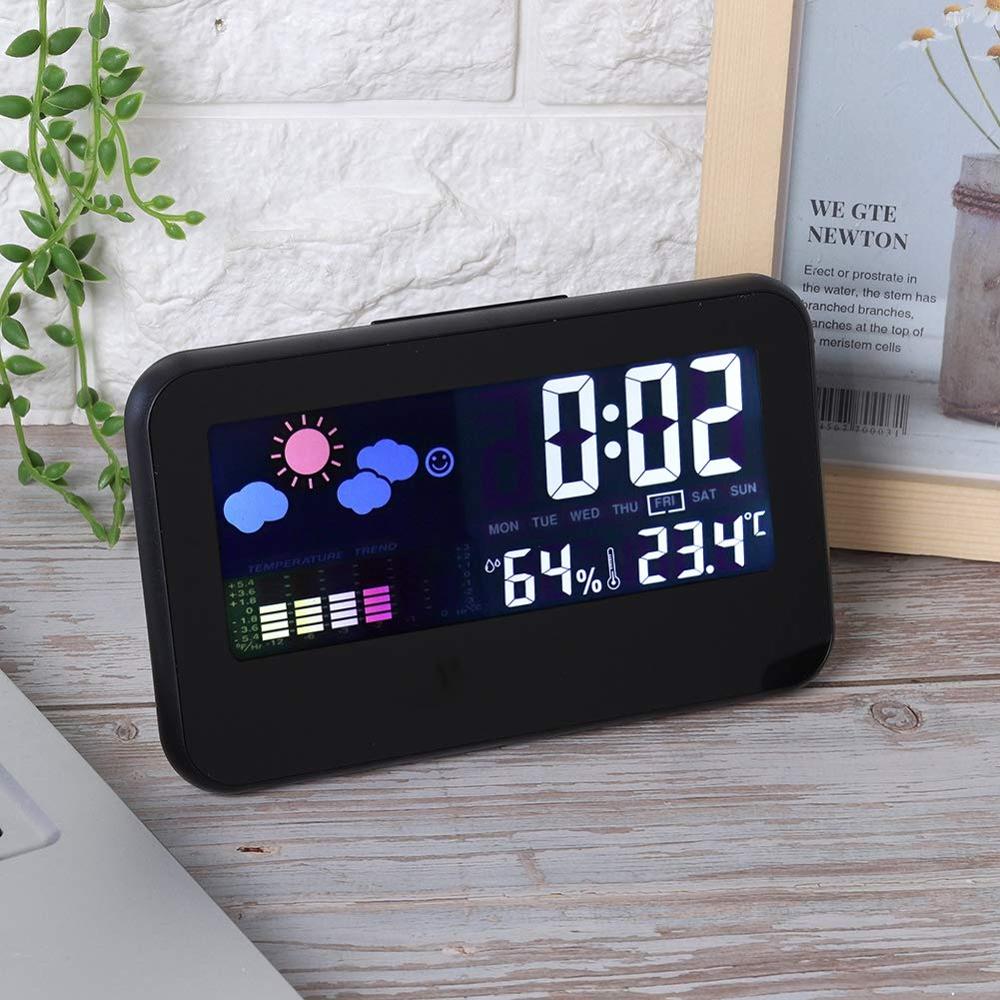
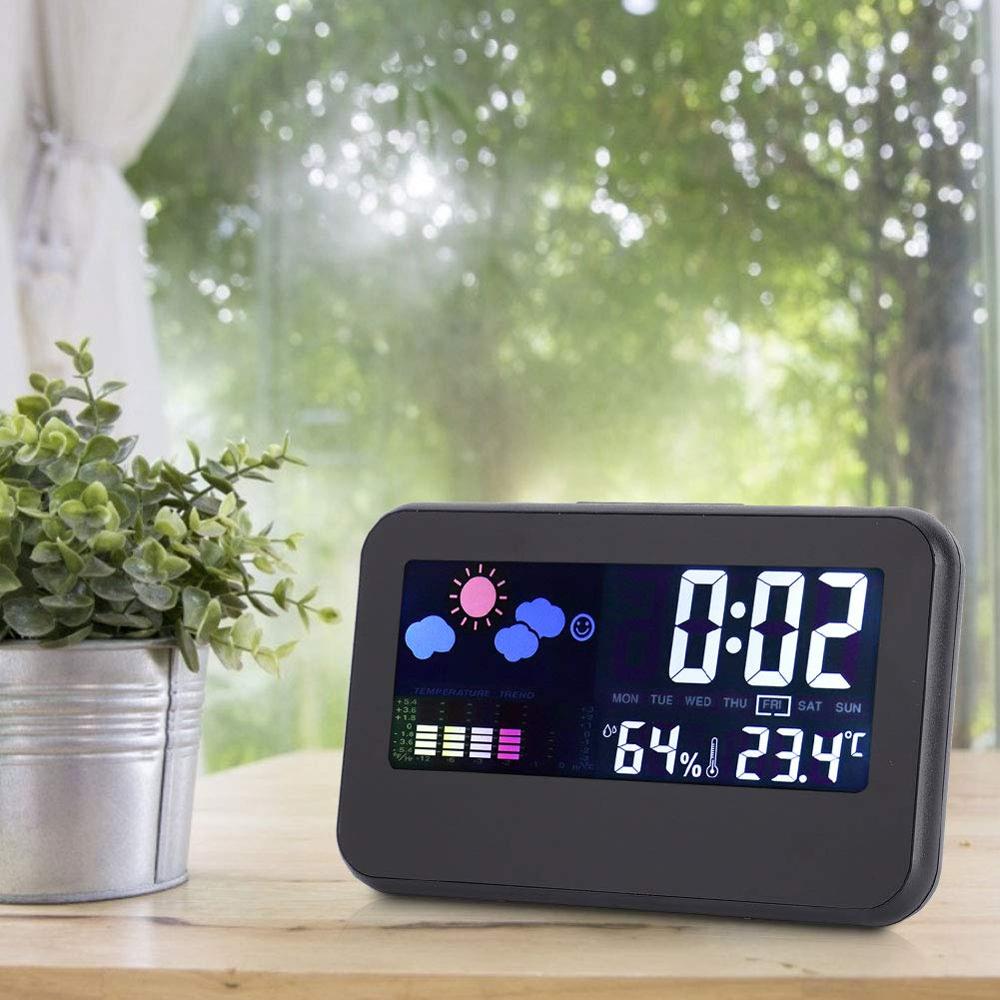
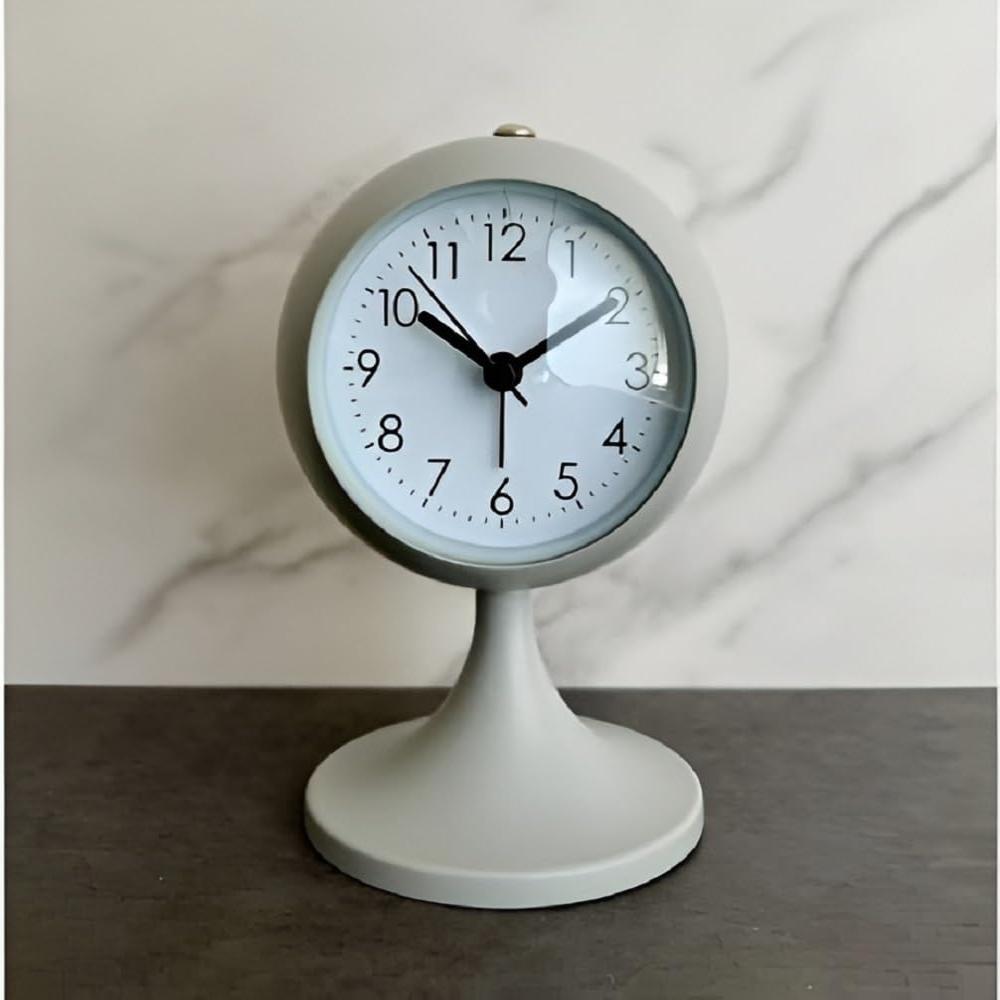
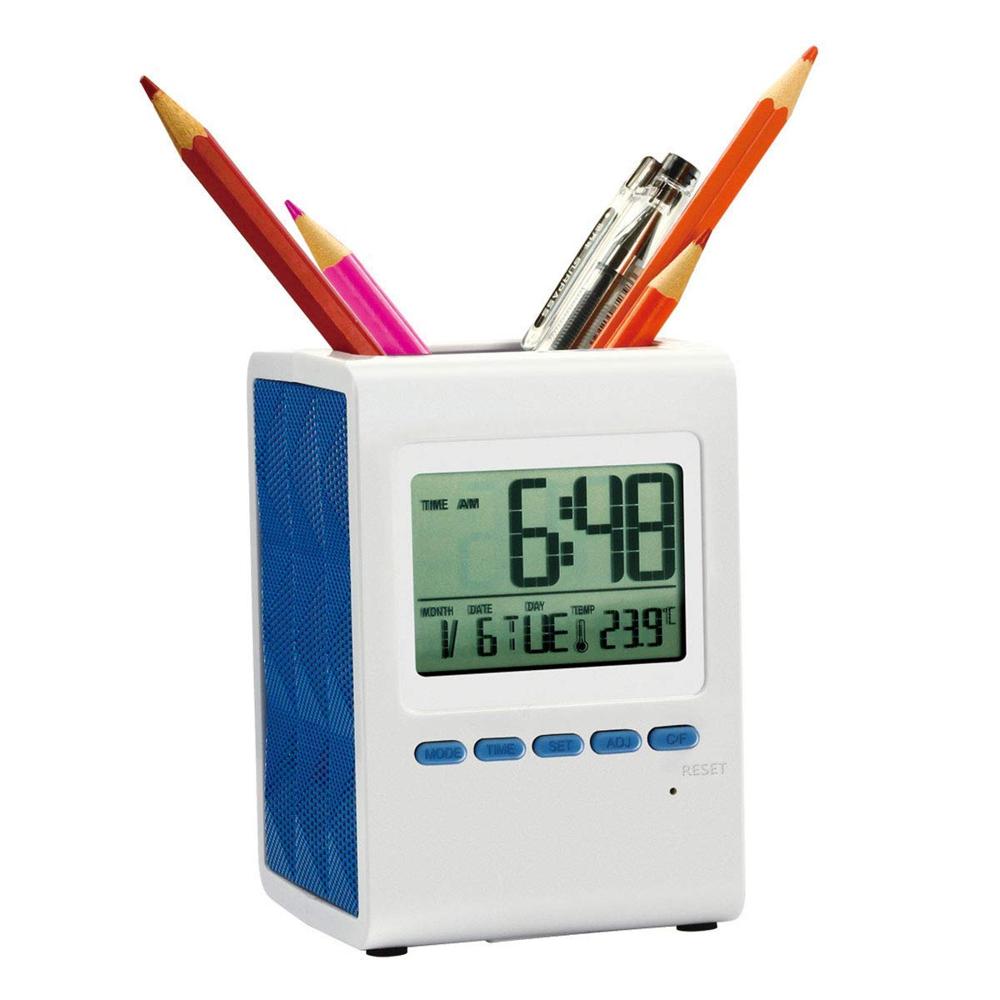
This multifunctional digital clock features a clear LED display showing time, day, indoor temperature, and humidity levels. It includes a weather trend indicator and comfort level icon, making it ideal for home, office, or laboratory climate monitoring.
Comprehensive Time and Temperature DisplayEffortlessly stay informed with a single glance as this clock displays accurate digital time and room temperature, all in one sleek device. The large multi-segment LCD ensures easy reading, no matter where it's placed. Toggle between Celsius and Fahrenheit, as well as 12-hour or 24-hour time formats, to cater to your preference. Ideal for keeping your living or workspace comfortable and on schedule.
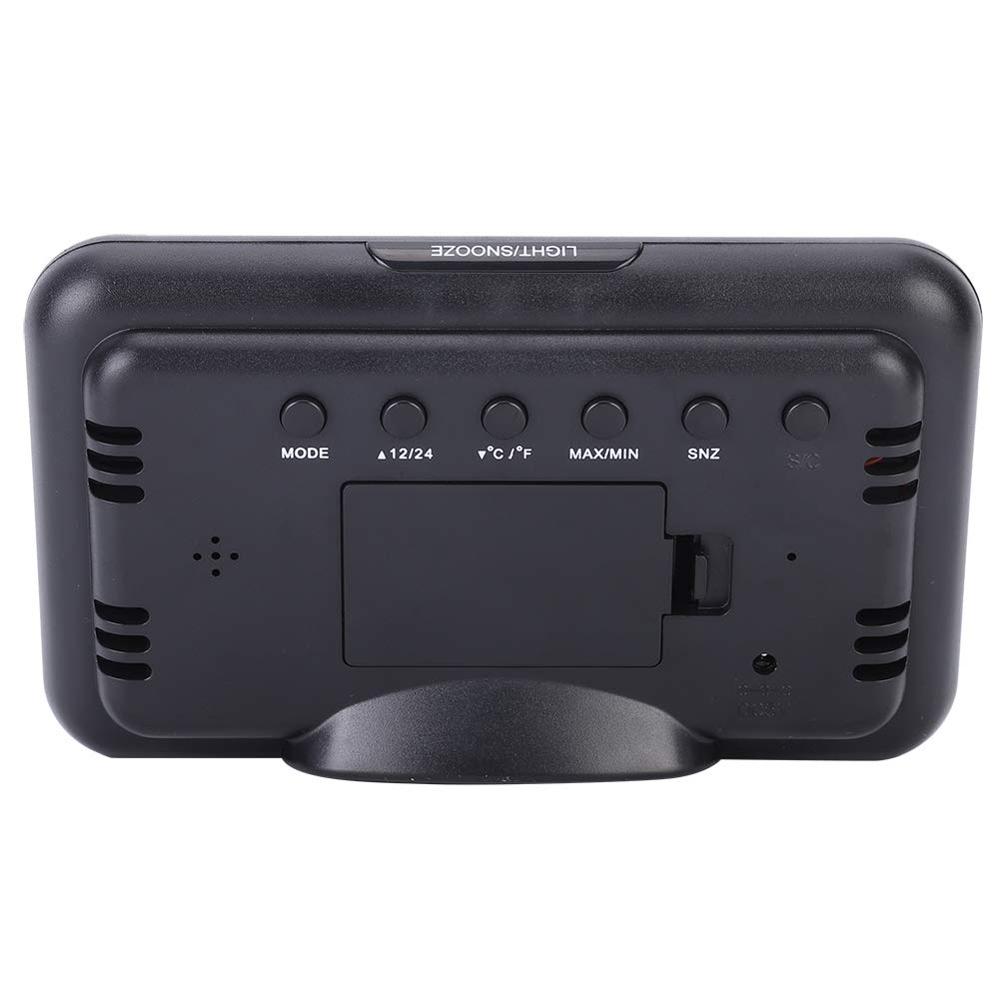
User-Friendly Controls and FeaturesRear operation buttons allow simple and intuitive adjustments for time, alarm, snooze, mode, and temperature units. Use the dedicated LIGHT/SNOOZE button on top to illuminate the display in low light or quickly activate the snooze alarm. With a MAX/MIN function, you can monitor temperature trends throughout the day, enhancing environmental awareness in your space.
FAQ's of Temperature Clock Support for Alarm:
Q: How do I set the time and switch between 12/24-hour formats?
A: Use the MODE button on the rear panel to select the time setting mode. Adjust hours and minutes as needed, then press the 12/24H button to toggle between standard and military time formats.
Q: What type of batteries does this clock require and how long do they last?
A: The clock operates on AA or AAA batteries (not included). Depending on the battery quality and usage frequency, battery life typically lasts up to 6 months before replacement is needed.
Q: How does the backlight feature work?
A: Press the large LIGHT/SNOOZE button located on the top of the clock to activate the backlight, making it easy to read the display in dimly lit environments.
Q: Where is the best place to use or place the temperature clock?
A: This clock is designed for desktop, bedside, or office table use. Its medium size and lightweight build make it easy to move and place wherever time and temperature visibility is needed.
Q: How does the alarm and snooze function operate?
A: To set the alarm, use the designated rear-panel buttons. When the alarm sounds (beep tone), press the LIGHT/SNOOZE button on top to activate snooze, granting a few extra minutes of rest.
Q: What is the process for switching between Celsius and Fahrenheit readings?
A: Locate the C/F button on the rear of the clock and press it to toggle the temperature display between Celsius and Fahrenheit, allowing for easy adaptation to user preference.
Q: What are the advantages of the MAX/MIN temperature memory function?
A: The MAX/MIN button allows you to track the highest and lowest recorded temperatures, which can be beneficial for monitoring environmental changes in your space over time.

 Send Inquiry



 Send Inquiry

 Send Inquiry